Visual Walkthrough
This page is a screenshot-guided tour of Beacon. Every major view is shown at both desktop (1280x800) and mobile (390x844) sizes so you know exactly what to expect.
Screenshots are from a live Beacon instance running as a Home Assistant add-on.
Dashboard
The dashboard is your family’s home screen. At a glance you see a large clock, today’s date, a personalized greeting, today’s events from all connected calendars, a meal plan bar, weather chip, task summary, chores panel, and the leaderboard.
Desktop
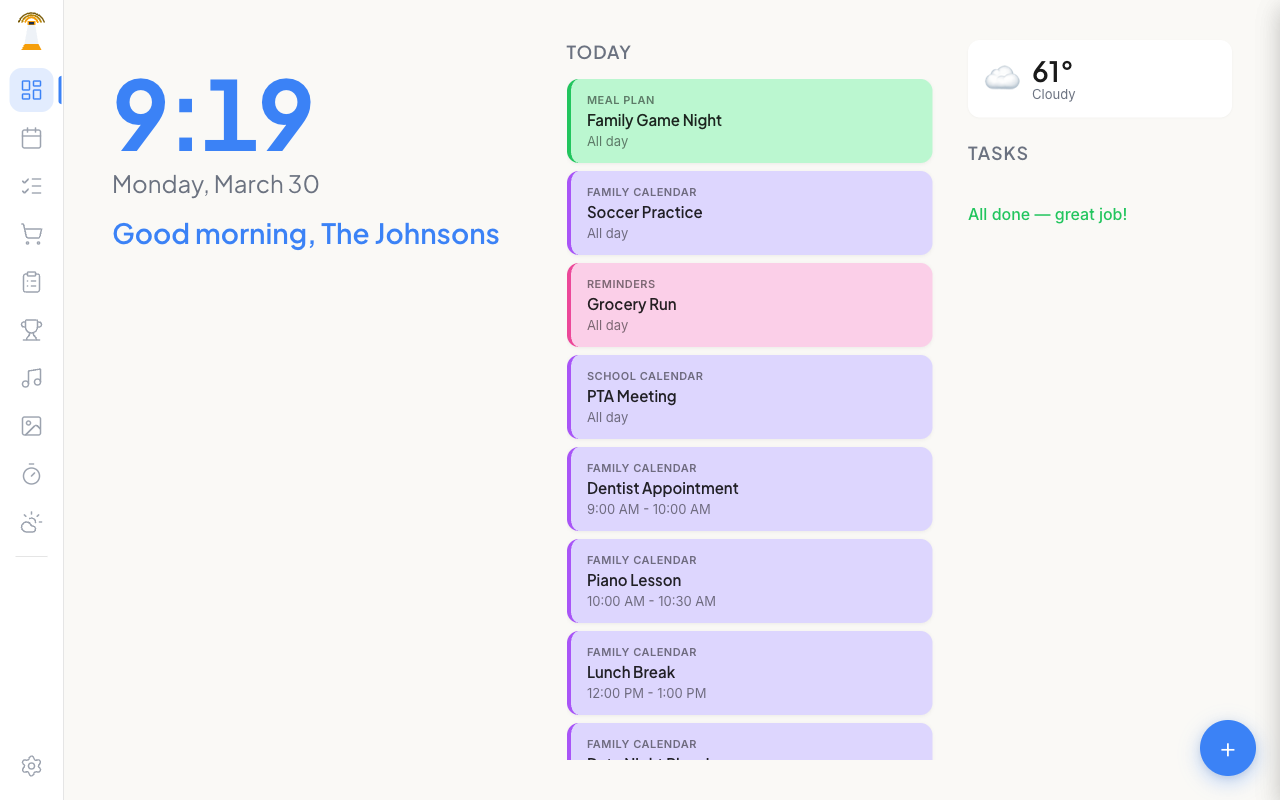
The Home Assistant sidebar is on the far left. Beacon’s own icon sidebar sits inside the add-on panel with quick access to every view.
Mobile
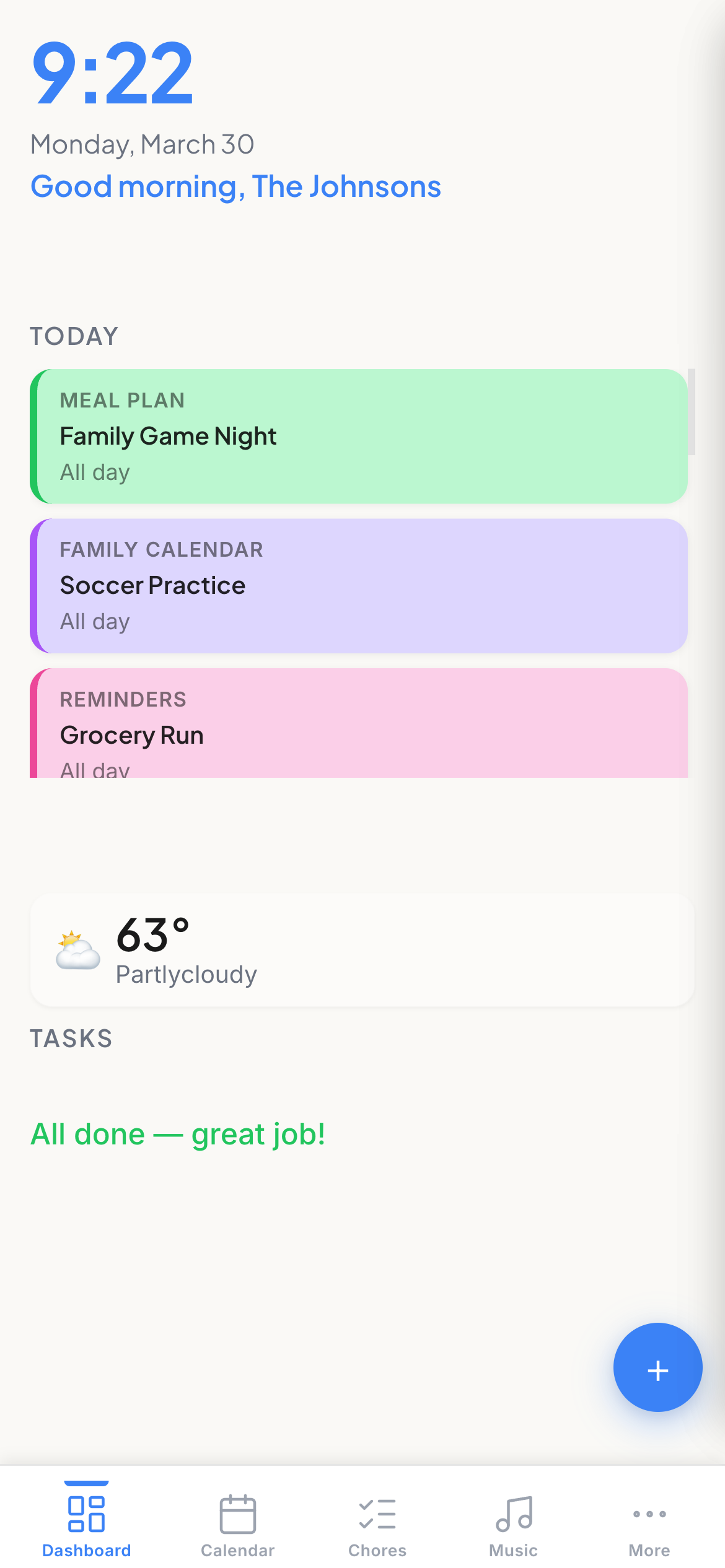
On mobile, Beacon’s navigation moves to a bottom tab bar: Dashboard, Calendar, Chores, Music, and a More menu for everything else.
Calendar
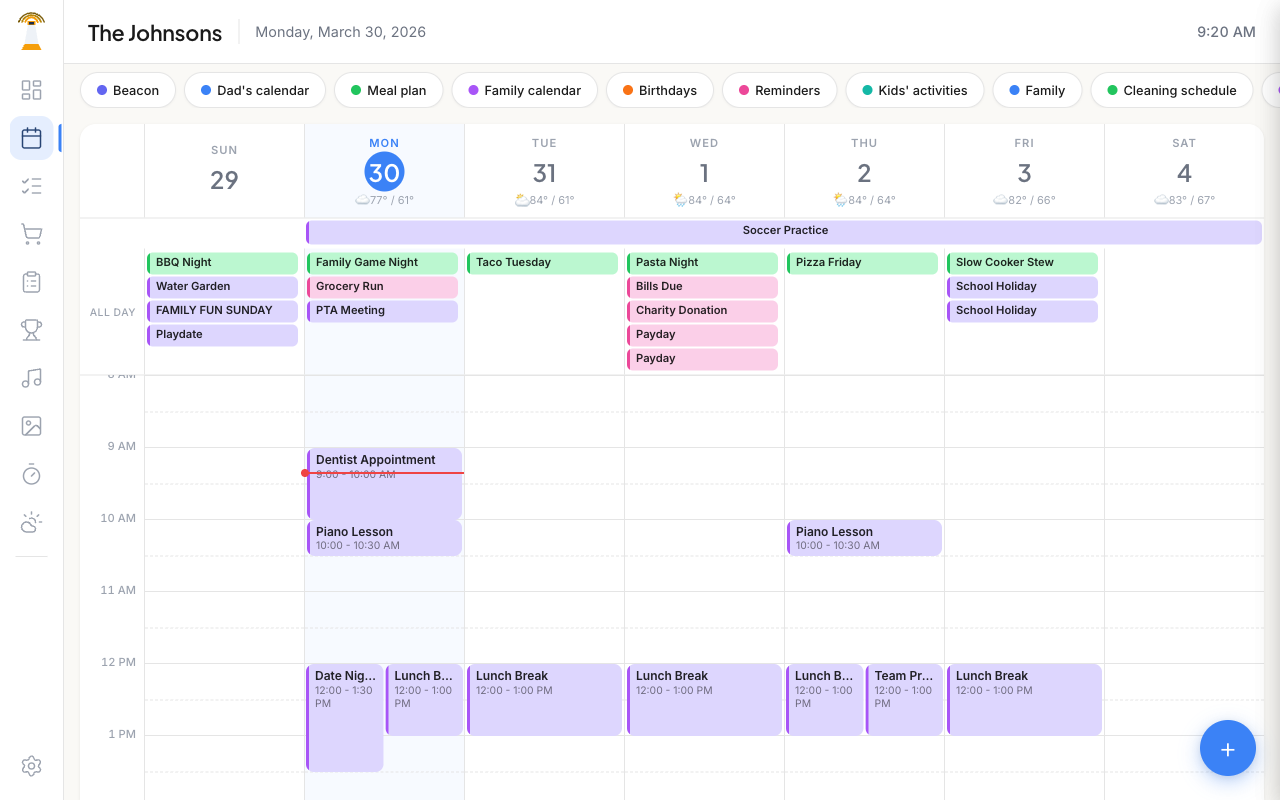
A full week view with color-coded events from every connected HA calendar entity. Filter pills toggle calendars on/off. Inline weather shows each day’s high/low. Tap any empty time slot to quick-add an event.
Desktop
Mobile
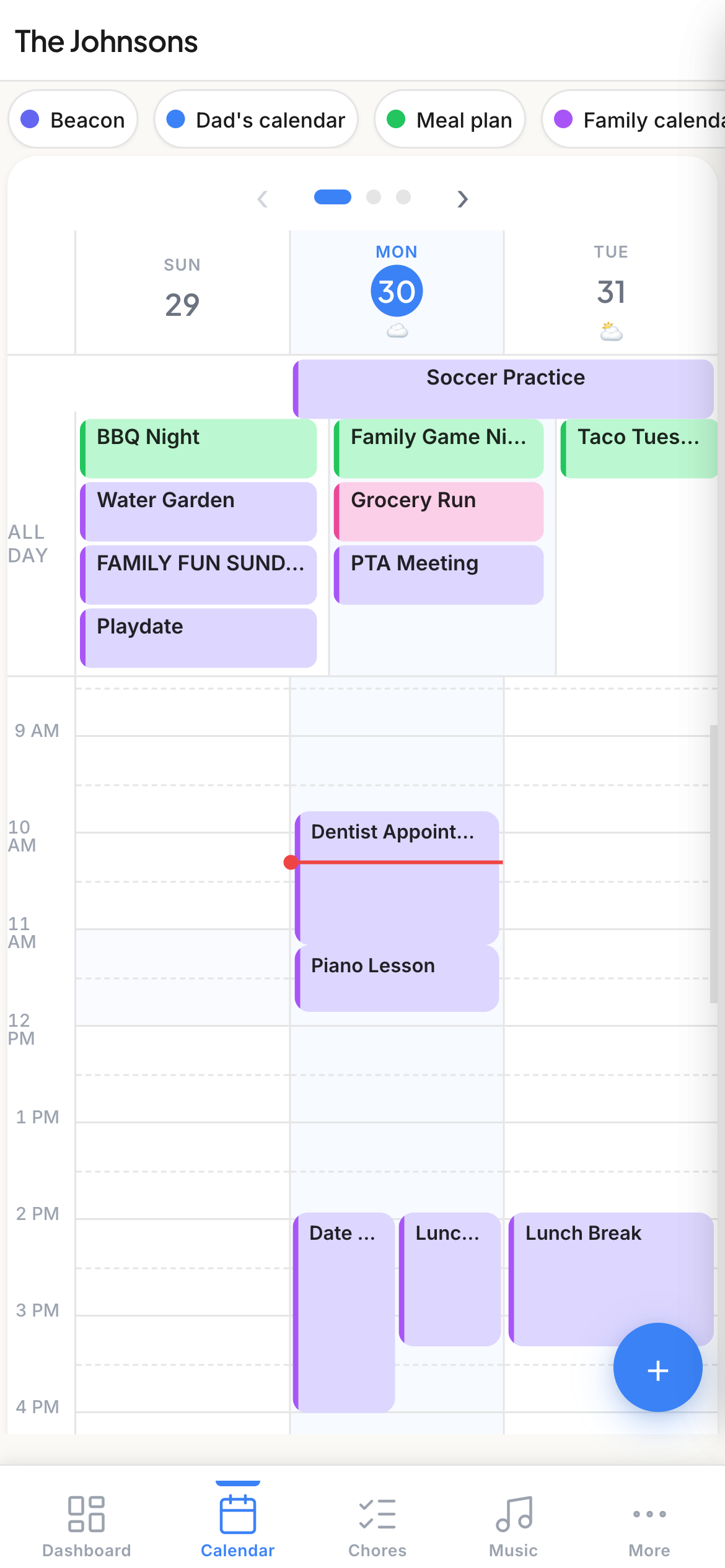
On mobile the calendar shows a scrollable 3-day view with page navigation.
Chores
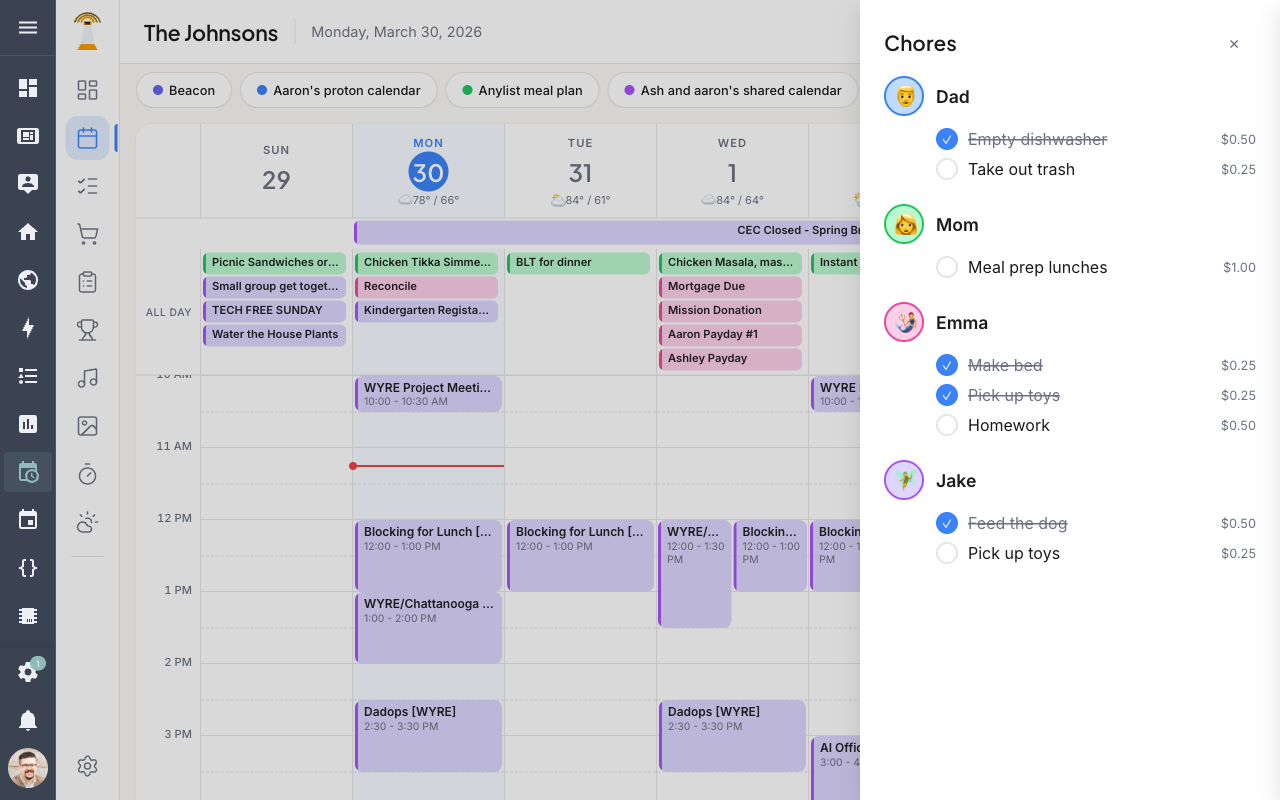
Assign recurring or one-off chores to family members. Each member gets a card showing their avatar and assigned tasks. Tap a chore to mark it done — completions feed into the Leaderboard.
Desktop
Lists (Grocery / Shopping)
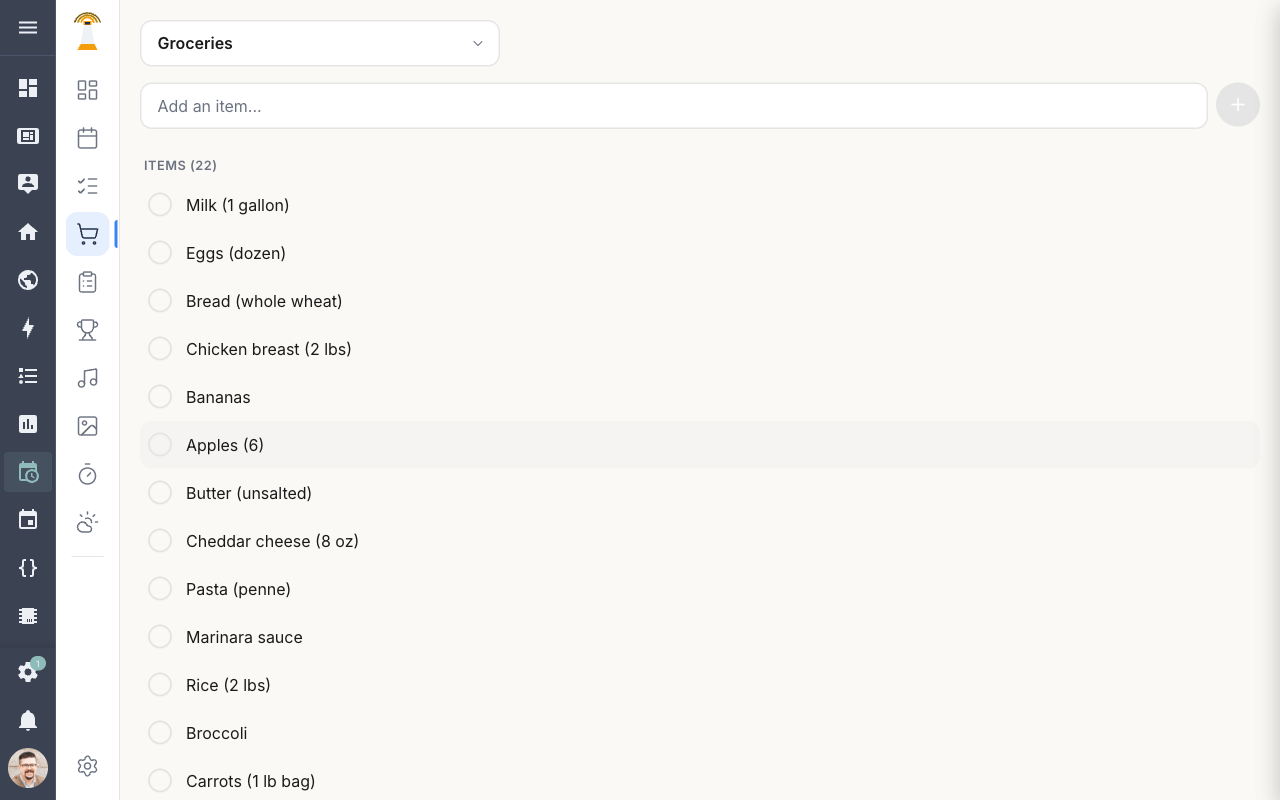
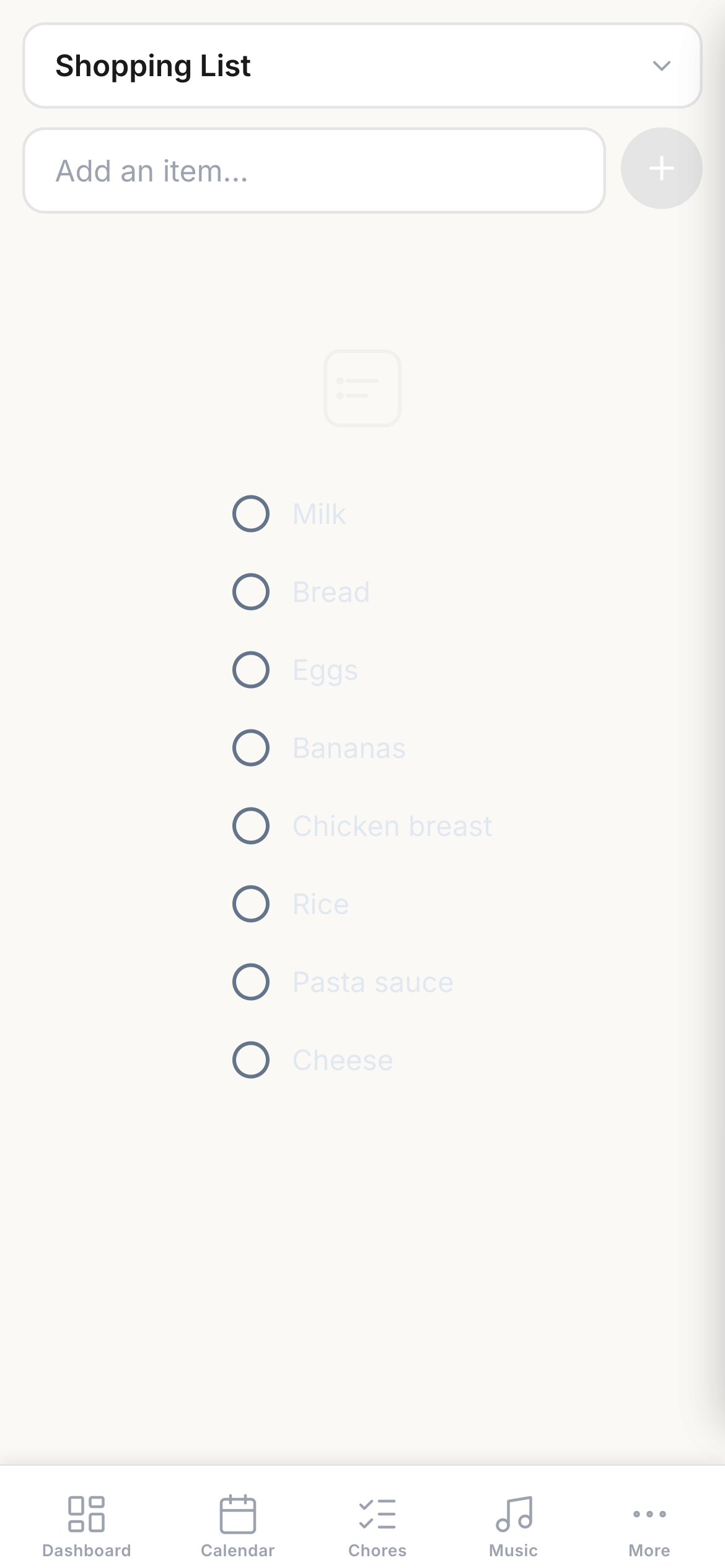
Manage shopping and inventory lists from multiple providers. A dropdown lets you switch between local lists, HA shopping lists, and store-specific lists (Costco, Walmart, Target, etc.).
Desktop
Mobile
Tasks
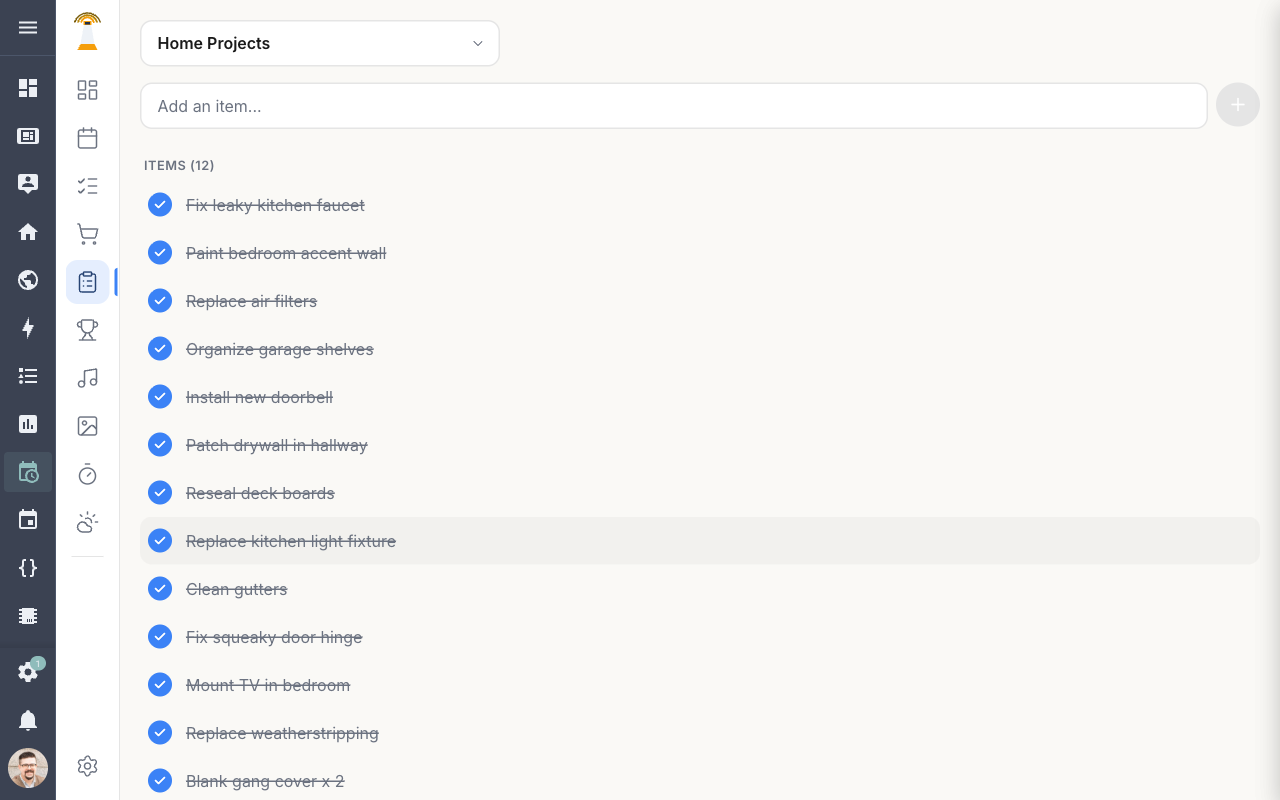
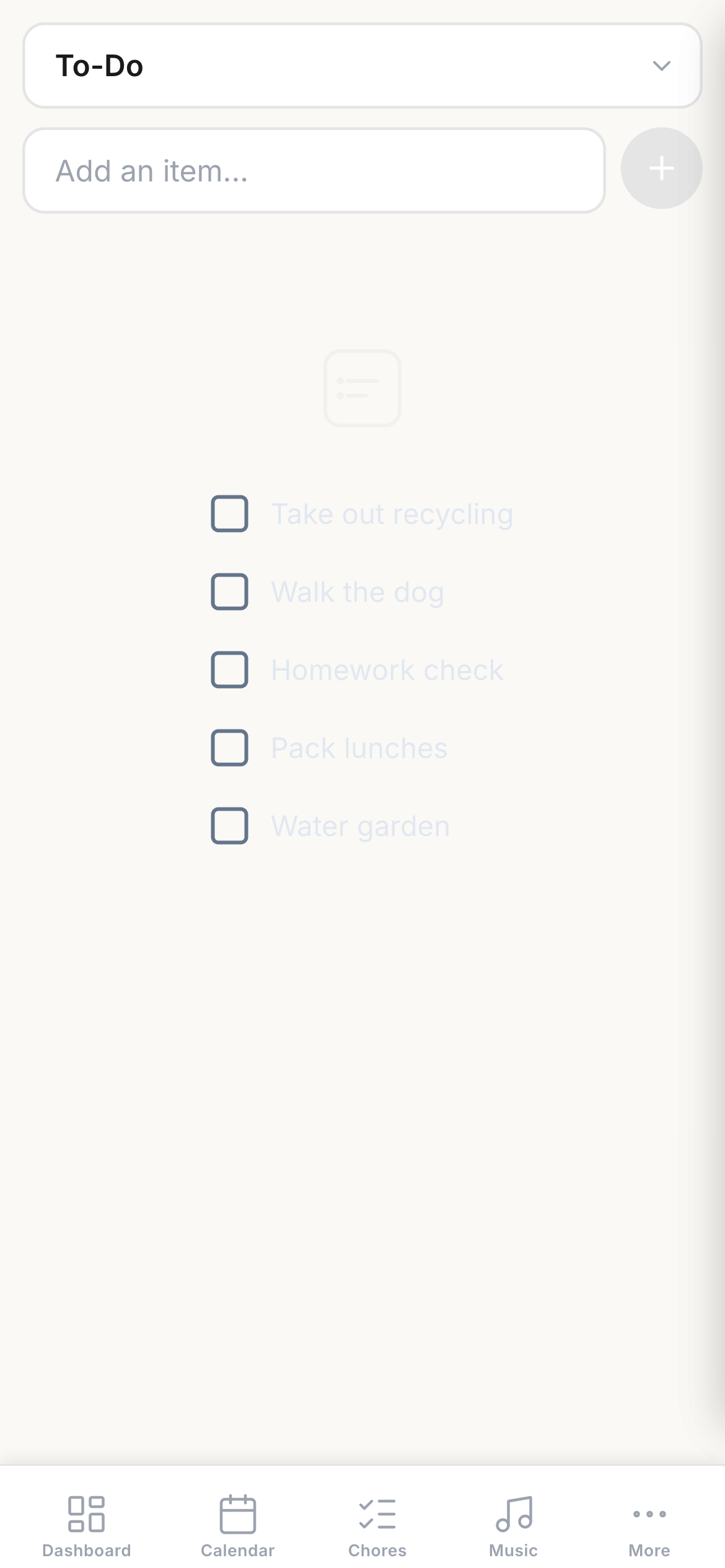
Todo items from Home Assistant’s todo entities and Beacon’s built-in task list. Outstanding tasks also appear on the Dashboard.
Desktop
Mobile
Music Controls
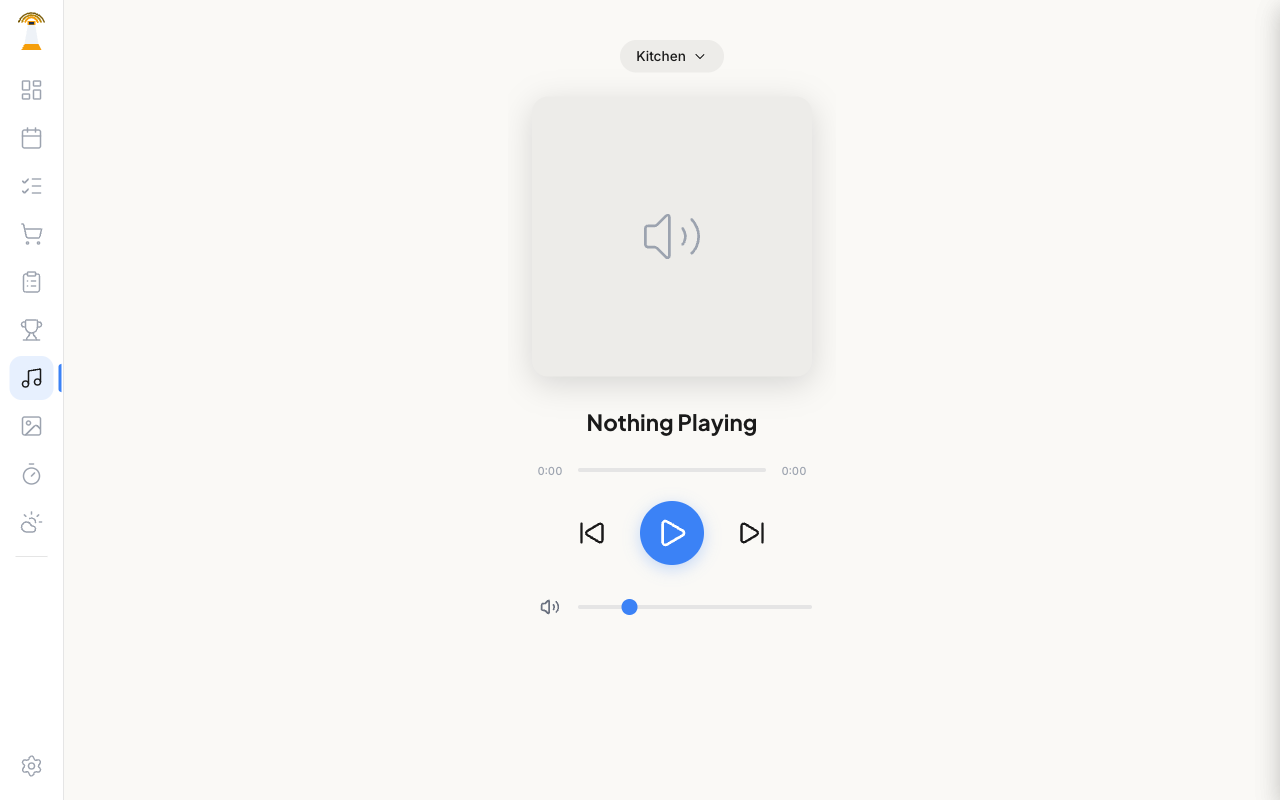
Control any Home Assistant media player. Pick a player, see what is playing, and use transport controls (play/pause, skip, volume).
Desktop
Mobile
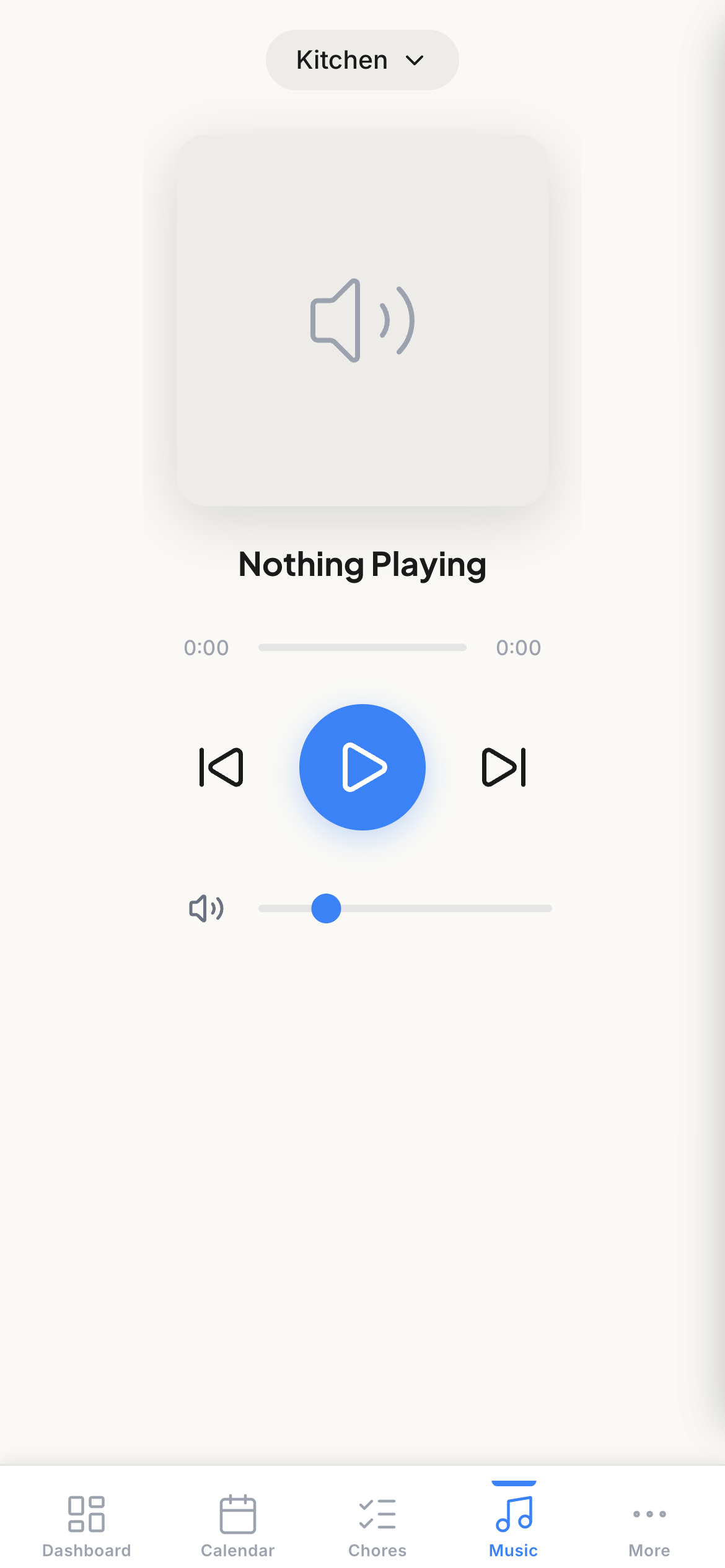
Music gets its own dedicated bottom tab on mobile — no need for the More menu.
Weather
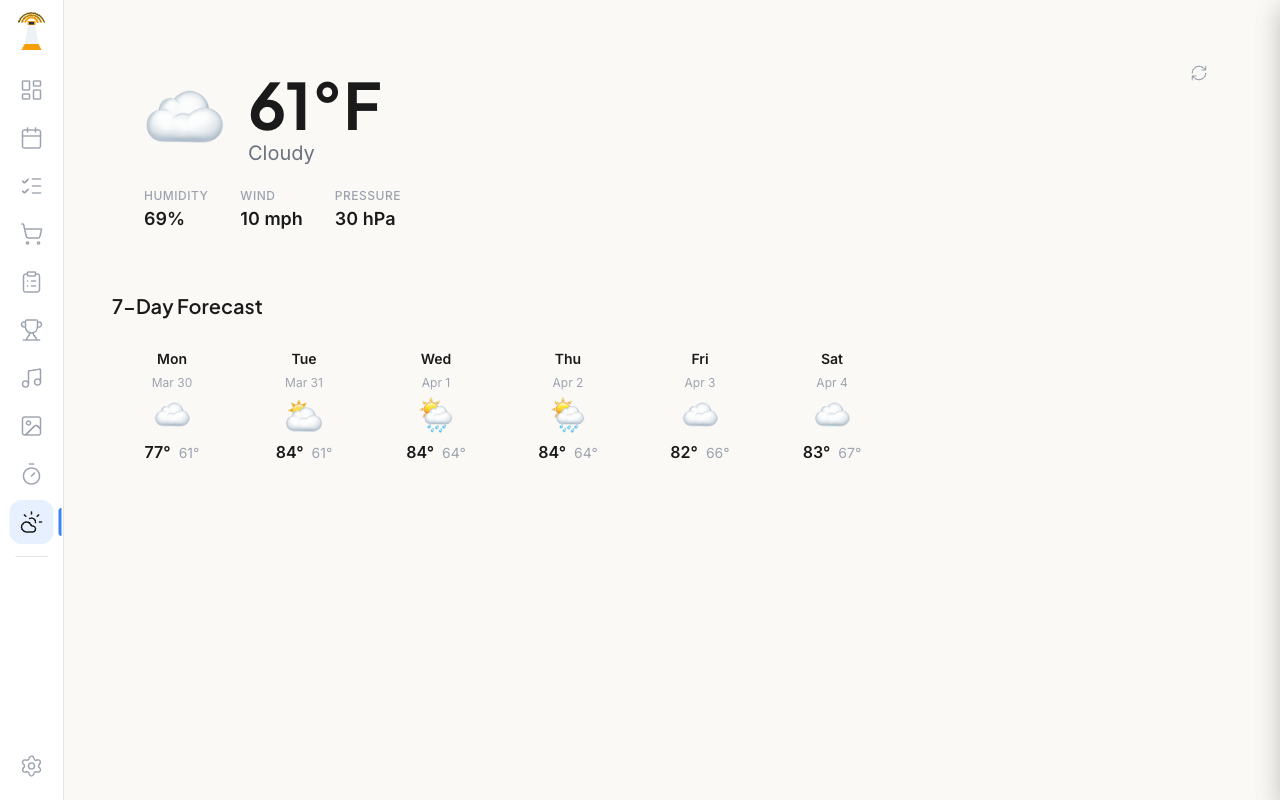
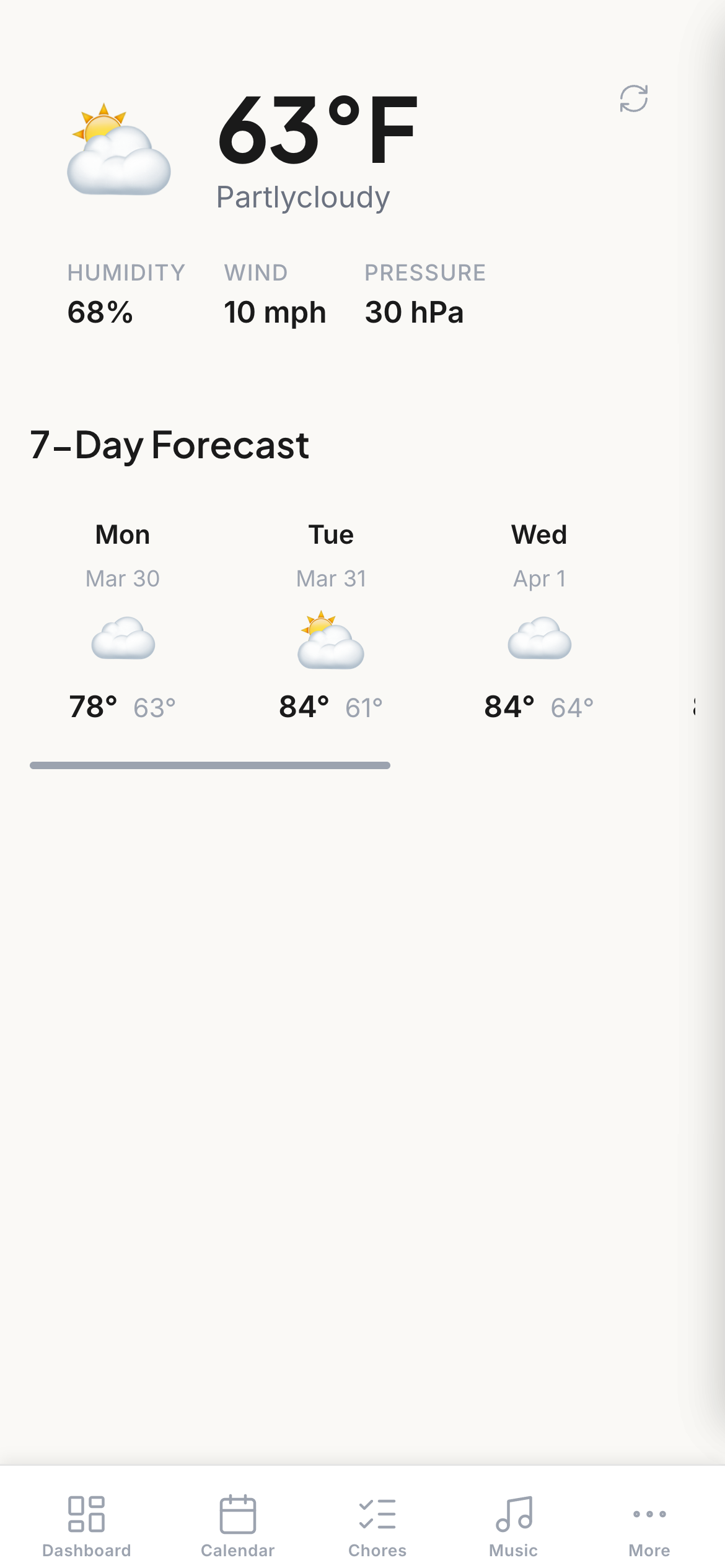
Real-time weather from your HA weather entity. Current conditions with humidity, wind, and pressure plus a 7-day forecast.
Desktop
Mobile
Settings
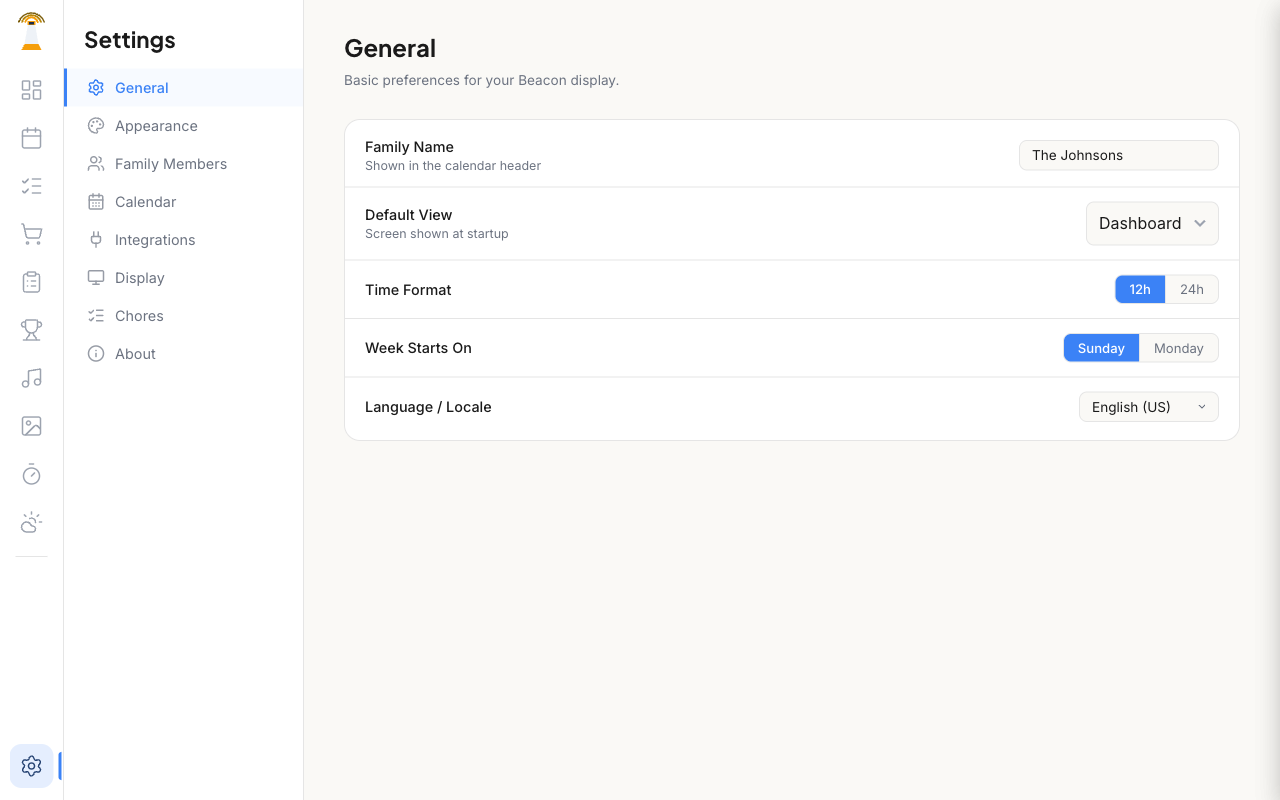
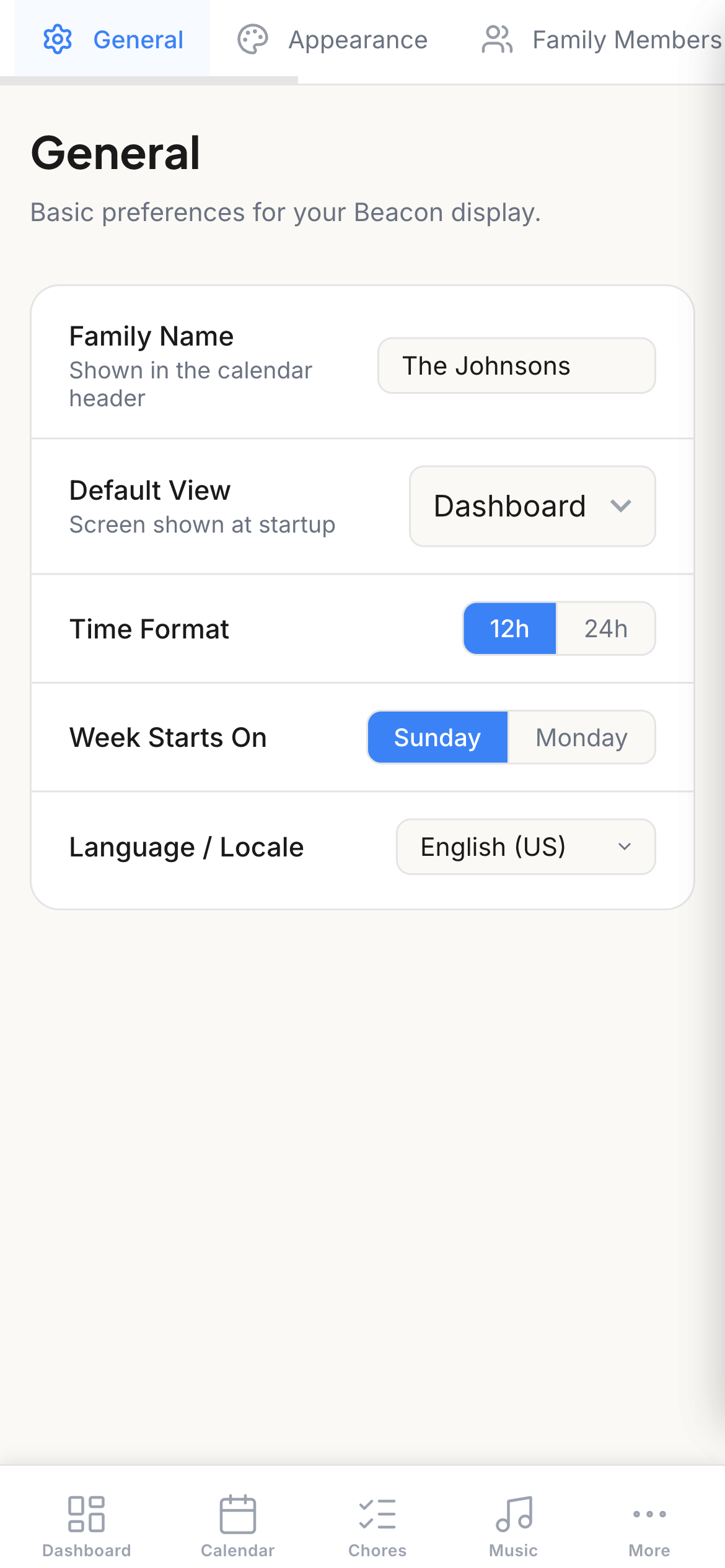
Configure themes, family members, calendar sources, list providers, weather entity, and display options.
Desktop
Mobile
Desktop vs. Mobile Navigation
| Desktop | Mobile | |
|---|---|---|
| Layout | Vertical icon sidebar | Bottom tab bar + More |
| Primary tabs | All views visible | Dashboard, Calendar, Chores, Music |
| Overflow | None needed | More menu for Lists, Tasks, Leaderboard, Photos, Timer, Weather, Settings |
Next Steps
- Getting Started — installation and first-time setup
- Dashboard — detailed dashboard guide
- Calendar — creating events, recurring events
- Family Members — managing family profiles
- Themes — changing the look and feel